Why live prompts fail when they talk too much
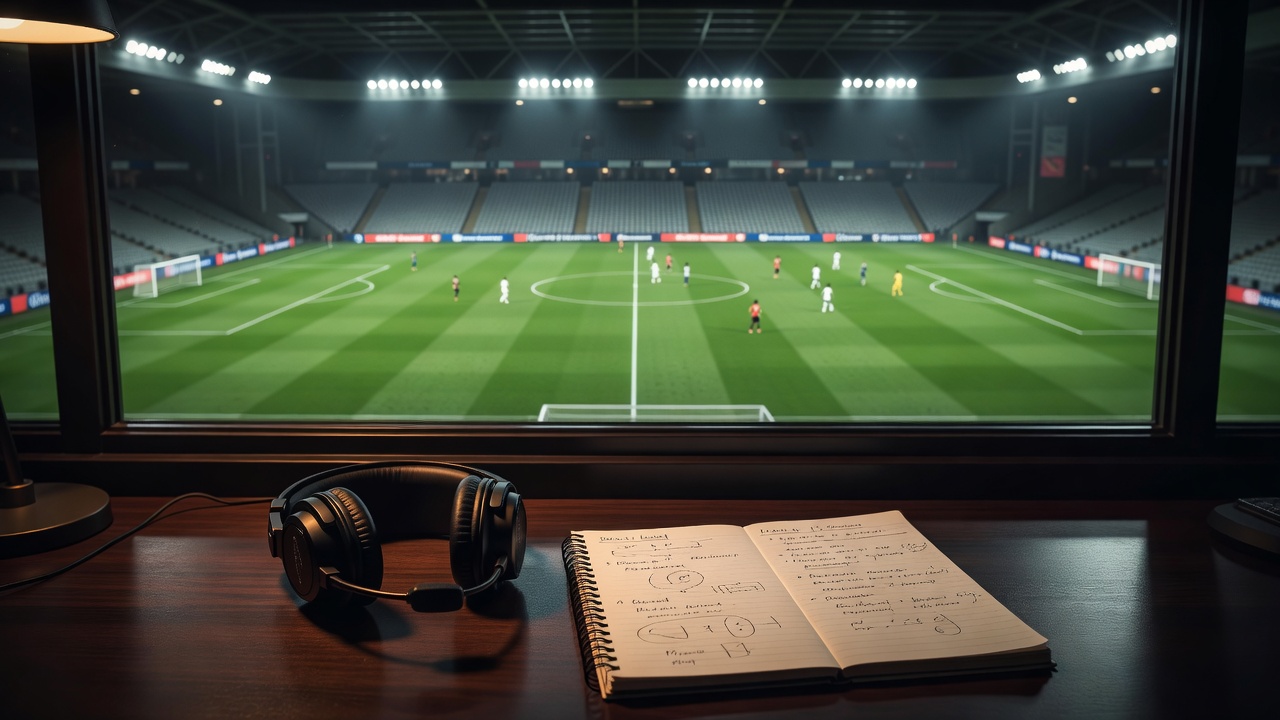
Broadcasters who trial AI commentary assistants for the first time frequently make the same mistake: they leave every automated stat alert enabled. Within ten minutes of kick-off, the booth monitor is scrolling with possession percentages, pass completion streaks, and historical trivia faster than any human can read aloud while calling a counter-attack.
Experienced producers at outlets like BBC Sport and public broadcasters aligned with the European Broadcasting Union (EBU) treat on-air statistics as punctuation, not wallpaper. An automated prompt tool should behave like a veteran statistician sliding a single index card across the desk during a throw-in or injury break—quiet during open play, concise when play pauses.
Practical booth rules make the difference immediately. Limit live cards to twenty words or fewer, display the source and time range beside every figure, and mute new pop-ups whenever the ball enters the final third or a decisive rally begins.
Audio pipelines and real-time booth transcription
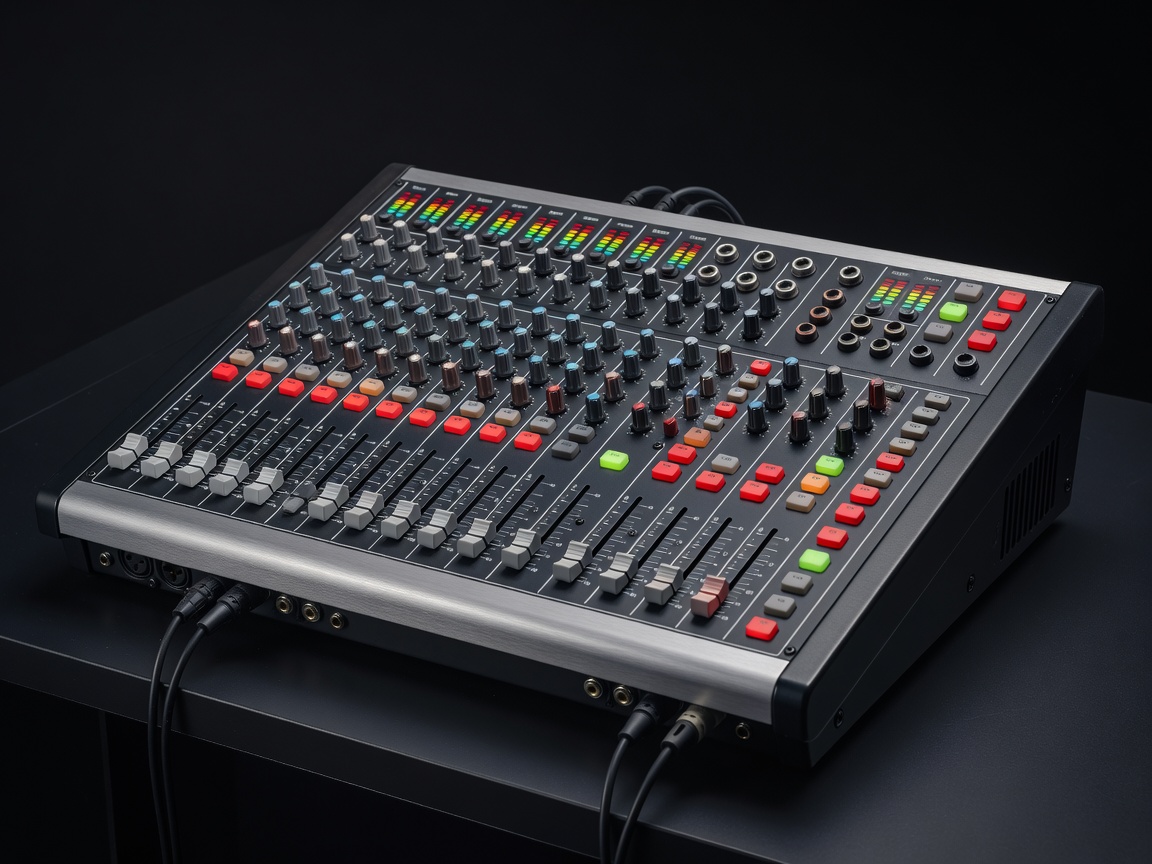
One of the most useful live applications of AI in sports production happens behind the scenes rather than on the commentator’s screen. By routing a clean pre-fader vocal channel over Dante audio networking or an NDI stream into a low-latency transcription engine such as OpenAI Whisper, a production desk gains a searchable, time-coded record of everything said on air.
That live transcript serves three practical purposes without altering the caller’s natural style:
- Instant clip finding: Digital editors can search the live transcript for a player’s name or the phrase “brilliant save” to locate exact timecodes for half-time packages.
- Captioning assistance: Live captioners receive a cleaner starting stream for accessibility subtitles, particularly when pre-loaded with a custom vocabulary list of squad surnames and competition venues.
- Continuity checking: Producers can confirm whether the commentary team has already mentioned a booking, a tactical switch, or a milestone stat before sending the same note again.
Booth Prompt Card vs. Live Spoken Delivery
Prompt card (14 words): “Vidal: 4th assist in 5 home matches; last home shutout was 14 November.”
Commentator delivery: Used naturally during a 68th-minute substitution rather than interrupting live build-up play. Source verified against club season archive.
Coordinating with live broadcast graphics
In television and streamed club broadcasts using Chyron or Vizrt graphics systems, friction often occurs when the graphics operator puts a statistical lower-third on screen without alerting the commentary booth—or when an AI dashboard recommends a stat that contradicts the on-screen graphic.
The cleanest remedy is a single shared data view. When both the booth assistant and the graphics operator draw from the same verified match database, the producer can queue an upcoming lower-third thirty seconds in advance. The commentator sees the exact metric that viewers are about to read and weaves it smoothly into the narrative instead of scrambling to reconcile two conflicting numbers.
Where synthetic voice fits—and where it does not
High-profile demonstrations such as IBM Watson’s automated audio commentary for Wimbledon digital highlight clips have shown that text-to-speech can narrate short, standalone video reels at scale across dozens of court feeds that would otherwise have no voice track at all.
Yet live full-match broadcasts are a different discipline. Synthetic voices still struggle with ironic tone, sudden silence after a serious injury, and the subtle pace shifts that tell listeners a match is tightening. Use synthetic narration only for clearly labelled automated clip packages, multilingual accessibility briefings, or internal script rehearsals—never disguised as a live human broadcaster.
Checklist for calm live-booth deployment
- Mute by default during active play: Configure your prompt feed to hold non-urgent statistical trivia until a dead-ball event or manual producer release.
- Custom dictionary lock: Feed every player name, stadium stand, and referee name into your speech-to-text engine before kick-off to prevent garbled transcripts.
- Separate vocal stems: Feed dry commentator audio—not crowd ambience—into transcription software so stadium noise does not corrupt word timing.
- Clear disclosure for automated audio: Whenever a club publishes a synthetic-voice highlight clip, label the audio track transparently in the video description.
Once the final whistle sounds, the live transcript and logged event timeline become the raw building blocks for post-match reporting. That handoff is where editorial structure matters most.