Independent Sports Production Desk

Give every match a clearer voice

AI commentary tools do not watch a fixture with human judgement. They process event logs, optical tracking, and audio transcripts into draft material. This desk examines what enters a tool, what comes out, and what an editor must verify before a line reaches listeners or readers.

Editorial Premise

The final whistle is only the beginning

Across community stadiums, regional radio booths, and club digital teams, a single producer often handles live statistics, audio logging, highlight clipping, and the ninety-second post-match write-up. Modern sports commentary tools can lift the repetitive typing load, yet they also introduce subtle errors when an official feed lags behind a referee's signal or misattributes a deflected shot.

Our reporting separates assisted drafting from verified journalism. Whether you rely on Stats Perform Opta feeds, Sportradar event streams, or manual touchline sheets, editorial authority stays with the person holding the microphone and signing off the copy.
For Volunteer & Club Commentators

Context on the desk, never a script to read blind

Live assistants work best as quiet prompters: surfacing head-to-head streaks, substitution timing, or booking totals while the commentator tracks momentum, crowd tension, and tactical shape on the pitch.

See live booth standards →
For Producers & Matchday Editors

Trace every sentence back to an event record

When an automated summary drafts a match report in twenty seconds, speed only helps if every goal minute, assist credit, and disciplinary card can be checked against the official competition log.

Inspect pre-publication checks →
End-to-End Production Path

From match feed to first draft

Every reliable AI-assisted sports workflow follows four disciplined stages. Skipping the input audit or the human verification gate is where factual slips enter broadcast and web coverage.

01

Structured Feed Intake

Capture timestamped match events via IPTC SportsML, NewsML-G2, or club scorebooks alongside clean squad rosters and pronunciation guides.

Decision: Verify shirt numbers and official kick-off clock before enabling prompts.

02

Booth Support & Logging

Use speech-to-text engines such as OpenAI Whisper and live event triggers to bookmark key phases without distracting the on-air caller.

Decision: Cap live on-screen alerts to prevent cognitive overload during open play.

03

Structured Summary Draft

Generate a chronological match skeleton—turning points, substitutions, expected goals, and full-time statistics—in neutral house style.

Decision: Ban speculative motive claims and unconfirmed injury diagnoses in prompts.

04

Editor Sign-Off

Cross-check scorers, stoppage-time minutes, and official referee amendments before publishing to match centres, newsletters, or highlight reels.

Decision: Attach a human byline or desk credit and log any late feed corrections.

Accountable Publishing

Check before it reaches the audience

A draft generated from raw match feeds often sounds confident even when the underlying log is provisional. Compare an unedited feed summary against an editor-checked release below.

Raw Automated Draft (Do Not Publish Unchecked)

“In the 78th minute, number 11 Ortiz doubled the lead with a low strike from outside the box after a corner cleared poorly, sealing a comfortable win.”

Source note: Generated from live event feed at 78:14 before official competition scorer review.

Editor-Verified Release

“The hosts made it 2-0 in the 78th minute when M. Ortiz’s low effort from the edge of the area took a decisive touch off defender K. Lindholm, officially logged as an own goal after the referee’s report.”

Source note: Verified against match commissioner sheet and broadcast replay at 81:05.

Production Task What AI Handles Reliably What Requires Human Judgement Verification Standard
Pre-match stat cards Aggregating season totals, recent form, and head-to-head splits from verified archives. Selecting which two facts actually explain today’s tactical matchup. Cross-check against league competition table before kick-off.
Live audio transcription Time-coded booth transcripts for rapid clip search and post-match quote lookup. Correcting player surnames, tactical terms, and crowd-drowned phrasing. Replay raw audio snippet before publishing any direct quote.
Post-match timeline Ordering goals, cards, and substitutions by official clock minute. Explaining momentum shifts, refereeing controversy, and managerial response. Reconcile against final referee or league match sheet.
Highlight clipping Flagging loud audio spikes and shot events using tools like WSC Sports pipelines. Setting clean in/out points so commentary sentences are not clipped mid-breath. Full audio-visual review prior to social or web upload.
Hardware & Workspace

Inside the production booth

Clear editorial workflows depend on clean audio capture, visible match clocks, and calm screen layouts tailored to the gantry.

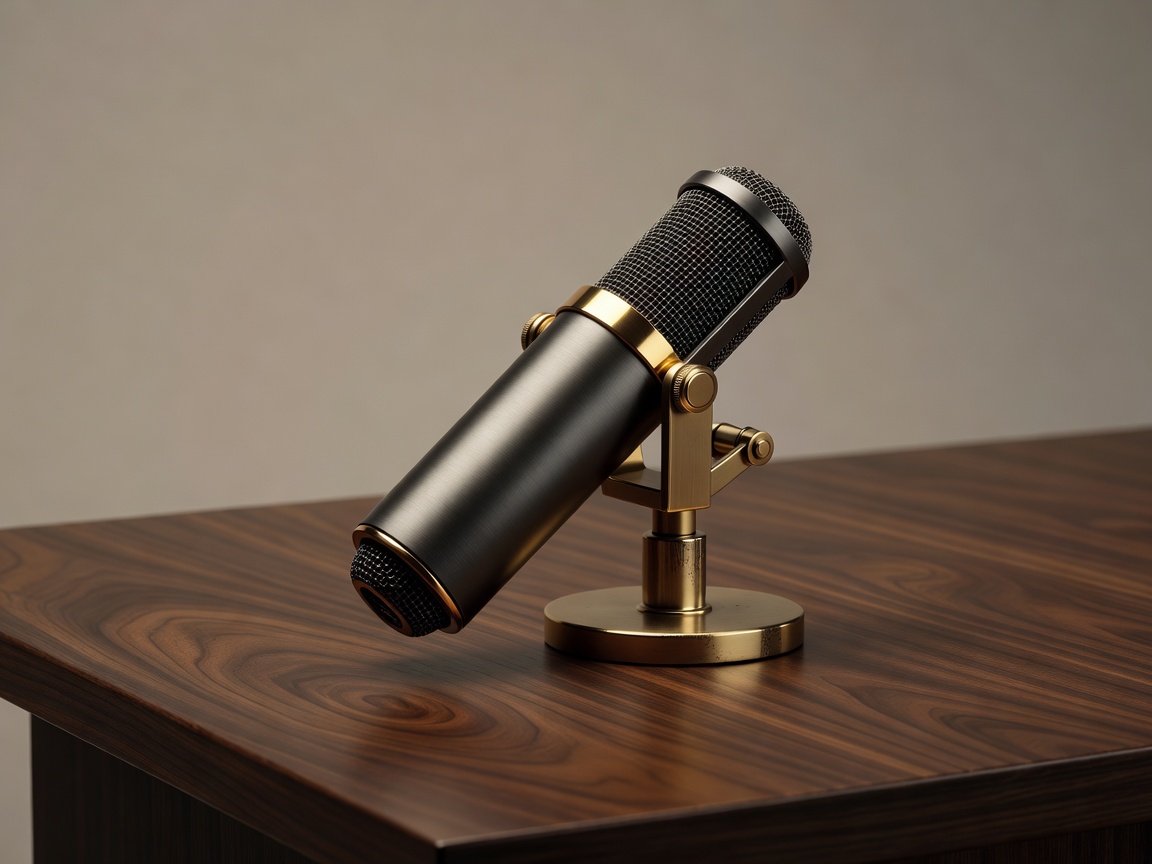
Soft-lit 3D studio broadcast microphone resting on a dark warm commentary desk

Primary Voice Capture

Close-mic vocal clarity reduces speech-to-text error rates before live audio reaches automated logging tools.

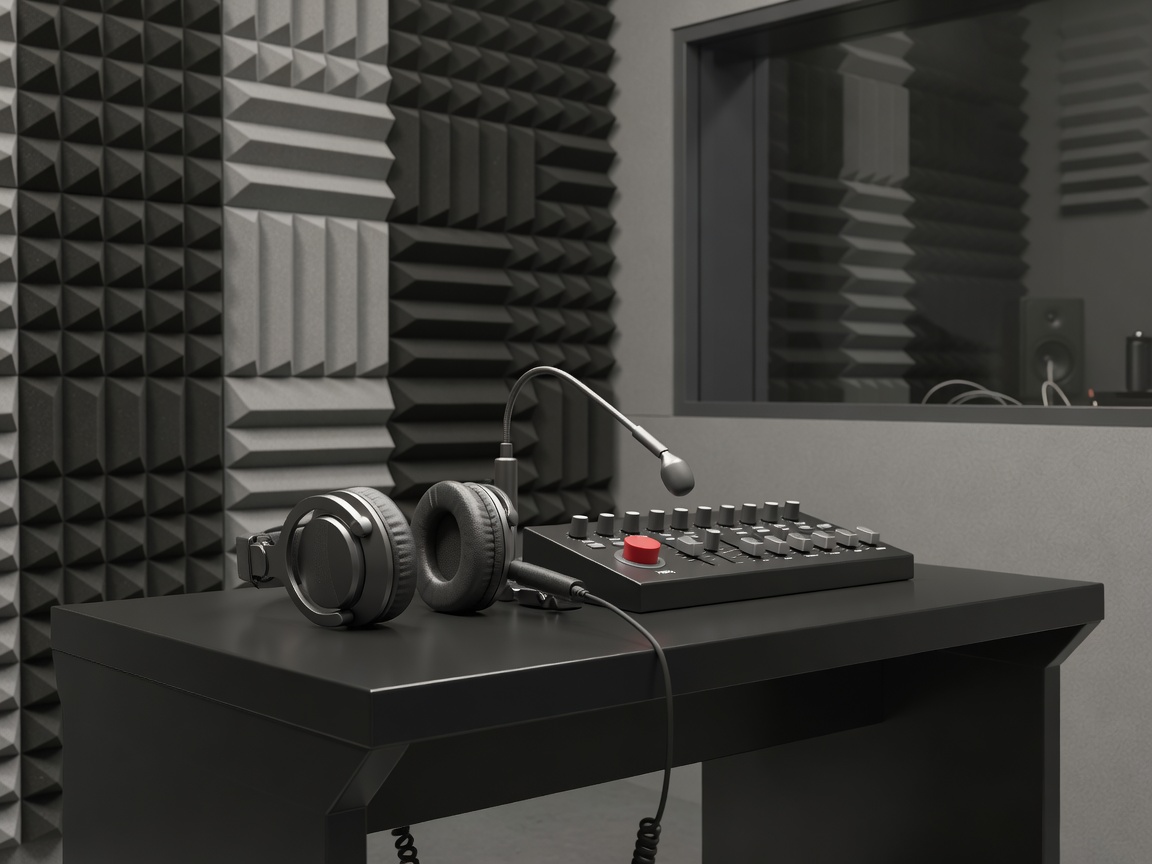
Soft-lit 3D commentary headset with boom microphone on a plain dark studio surface

Dual-Channel Monitoring

Separating producer talkback from programme audio keeps live stat prompts audible only to the booth team.

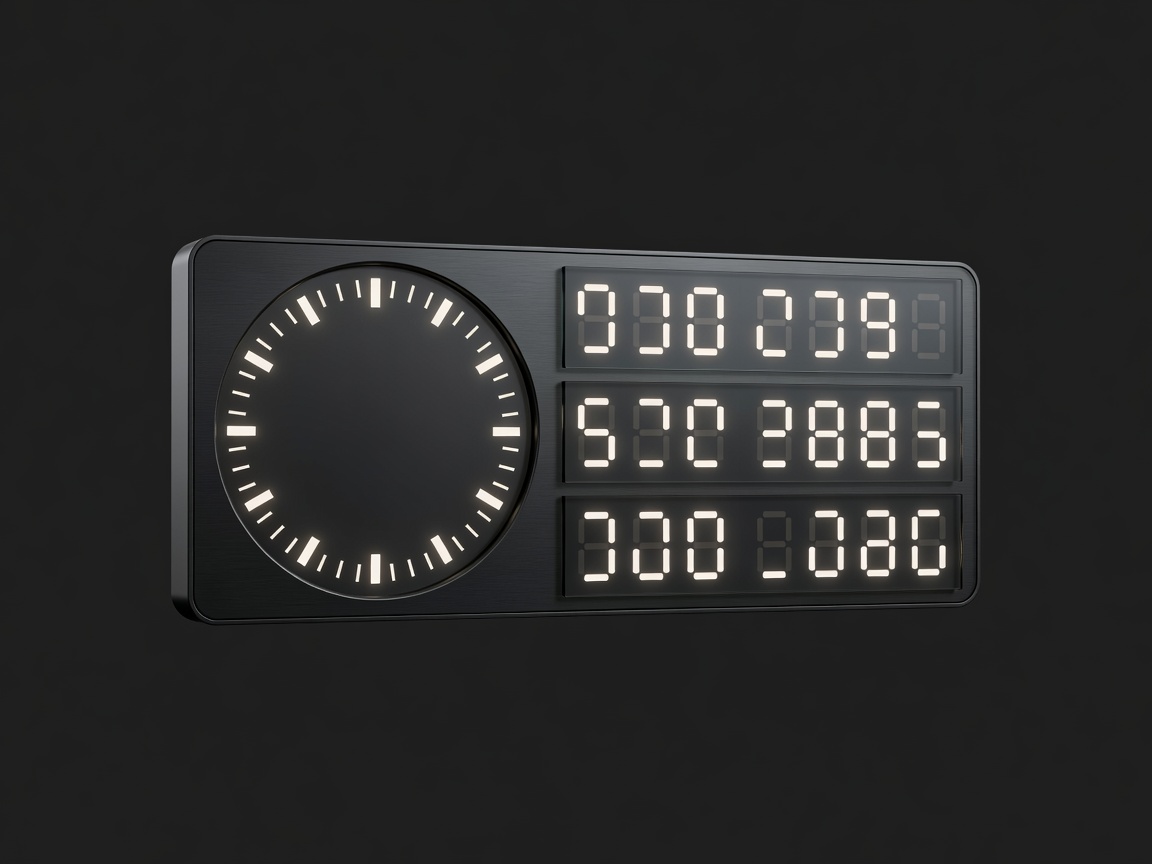
Soft-lit 3D digital match clock and scoreboard display showing regulated game time on a plain dark background

Synchronised Match Clock

Aligning SMPTE timecode with official match seconds prevents automated highlights from cutting five seconds late.

Touchline Queries

Questions from the touchline

Quick answers to the questions club producers and volunteer broadcasters ask most often before testing commentary software.